
Data for example:
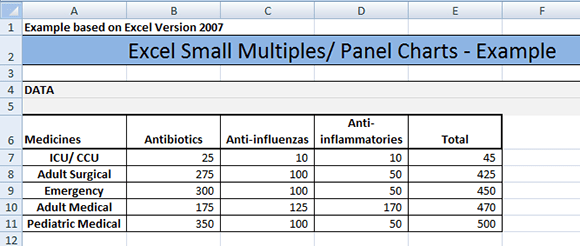
- Click the chart that contains the data series that you want to change. This displays the Chart Tools, adding the Design, Layout, and Format tabs.

- On the Design tab, in the Data group, click Select Data.
- In the Select Data Source dialog box, under Legend Entries (Series), select the data series that you want to move to a different location in the sequence.
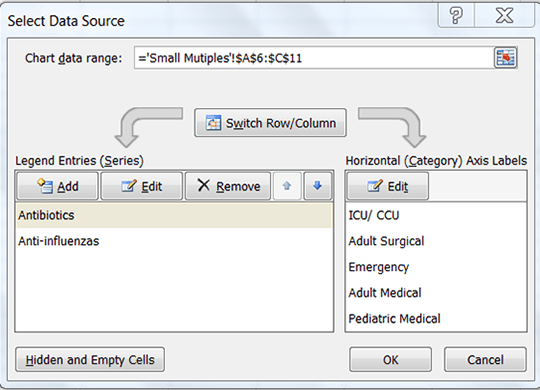
- Under Legend Entries click the Move Up or Move Down arrows to move the data series. Then click OK.
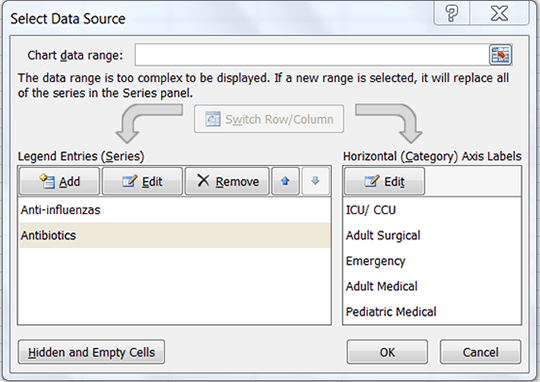
- If you have additional data series repeat step 3 and 4 for all data series that you want to move.

Leave a Reply