
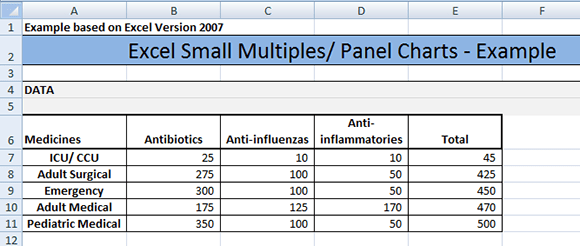
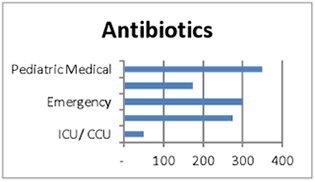
- Right click on the horizontal axis and click on Format Axis.
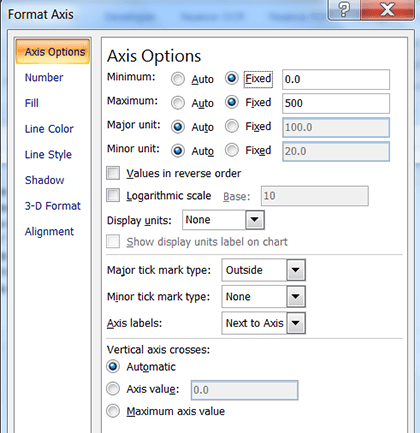
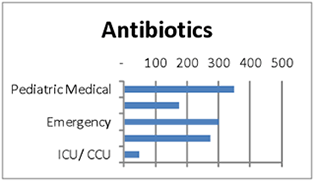
- In the pop up box Axis Options click on Fixed under Minimum and change the value to 0 and under Maximum click on Fixed change the value to 500.
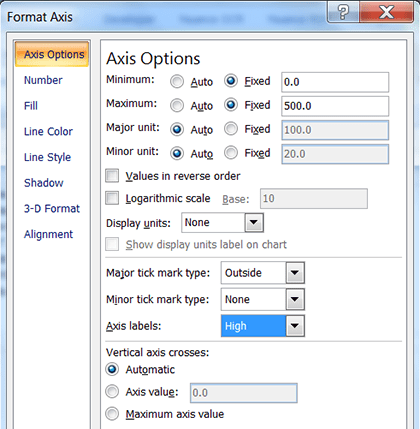
- If you want to show the horizontal axis labels at the top of the chart click on the down arrow next to Axis Labels and select High.
- Click on Close.
Leave a Reply