
- To change the chart type of the whole chart, click the chart area or plot area of the chart to display the chart tools.

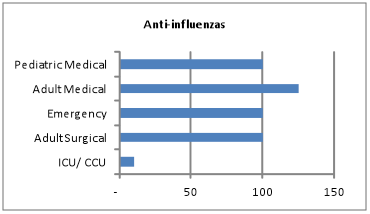
- On the Design tab, in the Type group, click Change Chart Type.

- In the Change Chart Type pop up box, Click on Clustered Column and click on OK.

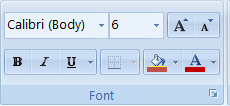
- To change the font size of the horizontal axis labels right click on labels and under the Home tab change font size by typing a 6 in the box nest to the font.

Leave a Reply